Introduction — What you'll learn and who this is for
This September 2026 update explains how to evaluate paid digital services when buying a used car: what features now matter, how to verify them on‑site and in listings, what contract language protects you, and the post‑purchase steps that preserve value and privacy. It’s written for car‑buying enthusiasts who want practical, current advice for dealing with subscription‑based connected‑car features — navigation, live traffic, in‑car Wi‑Fi, concierge/telemetry services, digital keys, ADAS/driving packs, and other software‑locked capabilities.
Prerequisites and context — why this matters in Sept 2026
Through 2024–2026 the auto industry accelerated the move to software‑forward feature delivery. By September 2026, three practical realities shape used‑car buying:
- Subscriptions are ubiquitous across price tiers. Even mainstream compact crossovers often have connected navigation, Wi‑Fi and basic telematics behind a paywall; luxury models more commonly separate hardware (sensors, cameras, modems) from software activation (cloud services, safety stacks).
- Transfer workflows have improved but remain inconsistent. Several OEMs and large dealer groups now support VIN‑based transfer tools and issue transfer confirmations; others still require account‑level handoffs that complicate private sales.
- Marketplace transparency is improving. Major online retailers and a growing number of VIN‑report providers now display a subscription/status field on listings — but the field is not universal or guaranteed accurate, so on‑site verification remains essential.
Why this matters: subscriptions affect immediate function (does live traffic or airport pickup work?) and long‑term resale value. Treat subscription status as a negotiable asset or liability — and document it.
Quick decision flow — two‑minute summary (Sept 2026)
- Research the model‑year subscription ecosystem (feature names and current OEM prices).
- Before visiting: ask seller/dealer for a VIN‑linked list of active paid services, screenshots/invoices of any prepaid months, and any OEM transfer reference or "transfer token."
- At inspection: verify features in person and inside the OEM app; capture video of menus showing active packages and software version.
- Get transferability in writing (contract clause, email or OEM transfer confirmation) or negotiate a clear credit tied to documented replacement cost.
- After purchase: claim the VIN in your OEM account, remove prior owners, confirm billing, and request a privacy/data wipe where available.
Step 1 — Research before you look (what to know in Sept 2026)
Homework reduces surprises. Do this before contacting sellers or scheduling viewings.
- List paywalled features by model/trim. Typical categories to check: over‑the‑air navigation & map updates, live traffic, in‑car Wi‑Fi (4G/5G), concierge/voice subscription, emergency/telemetry services, remote controls (remote start/climate), digital keys and telematics tied to mobile identity, ADAS/driving packs, and performance or unlocking options delivered by software.
- Updated price ranges (Sept 2026):
- Basic navigation/live traffic: typically $6–$20/month or $60–$200/yr depending on OEM and data tier.
- In‑car Wi‑Fi hotspot: $12–$40/month for consumer data plans; OEM bundles sometimes cheaper per GB.
- Telematics/concierge/safety: $5–$25/month.
- Advanced ADAS/hands‑free packages: often offered as subscription ($15–$60/month) or one‑time unlocks (commonly $500–$3,500 depending on capability and OEM policy).
These ranges reflect market movement through 2026; always confirm current OEM pricing for the exact model year and trim.
- Check VIN‑level signals in public reports and marketplace listings: Several VIN‑report providers and large used‑car marketplaces now include a "connected services" field. Use that as a starting point but verify on‑site.
- Plan to contact OEM support with the VIN: Many OEMs can verify active subscriptions, issue a transfer reference number or transfer token, and state any activation fees. Getting that reference during negotiations puts you in a stronger position.
Step 2 — Ask the seller/dealer the right questions (before you visit)
Email or text is best — it creates a record. Ask sellers to respond with specific, documentable answers.
- Which paid digital services are currently active on the vehicle? List each by the OEM package name and include screenshots or invoices tied to the VIN.
- Is each service VIN‑linked or account‑linked? If account‑linked, will the seller initiate the OEM’s ownership‑transfer workflow with you present?
- Are there prepaid months or bundled packages remaining? Provide invoices, account screenshots showing expiration dates, or an OEM statement.
- Has the OEM issued a transfer reference, token, or case number for this VIN? If so, provide it.
- Who will complete the transfer — seller or dealer — and will any activation fee be charged? Ask dealers to disclose their activation or processing fee in writing.
Sample message (short):
"Interested in the [year make model]. Please email a VIN‑linked list of active paid digital services (e.g., ADAS subscription, nav, Wi‑Fi), proof of any remaining prepaid months, and any OEM transfer reference or transfer token you have. Will the OEM transfer at sale?"
Step 3 — Inspect and verify in person (what to test in 2026)
Bring your smartphone, tablet/laptop and a second person if possible. Complete these checks before signing anything.
- VIN and software/recall checks: Verify the VIN on the car matches the title and listing. Use it to re‑check recalls and the vehicle’s last known OTA update via manufacturer portals where available.
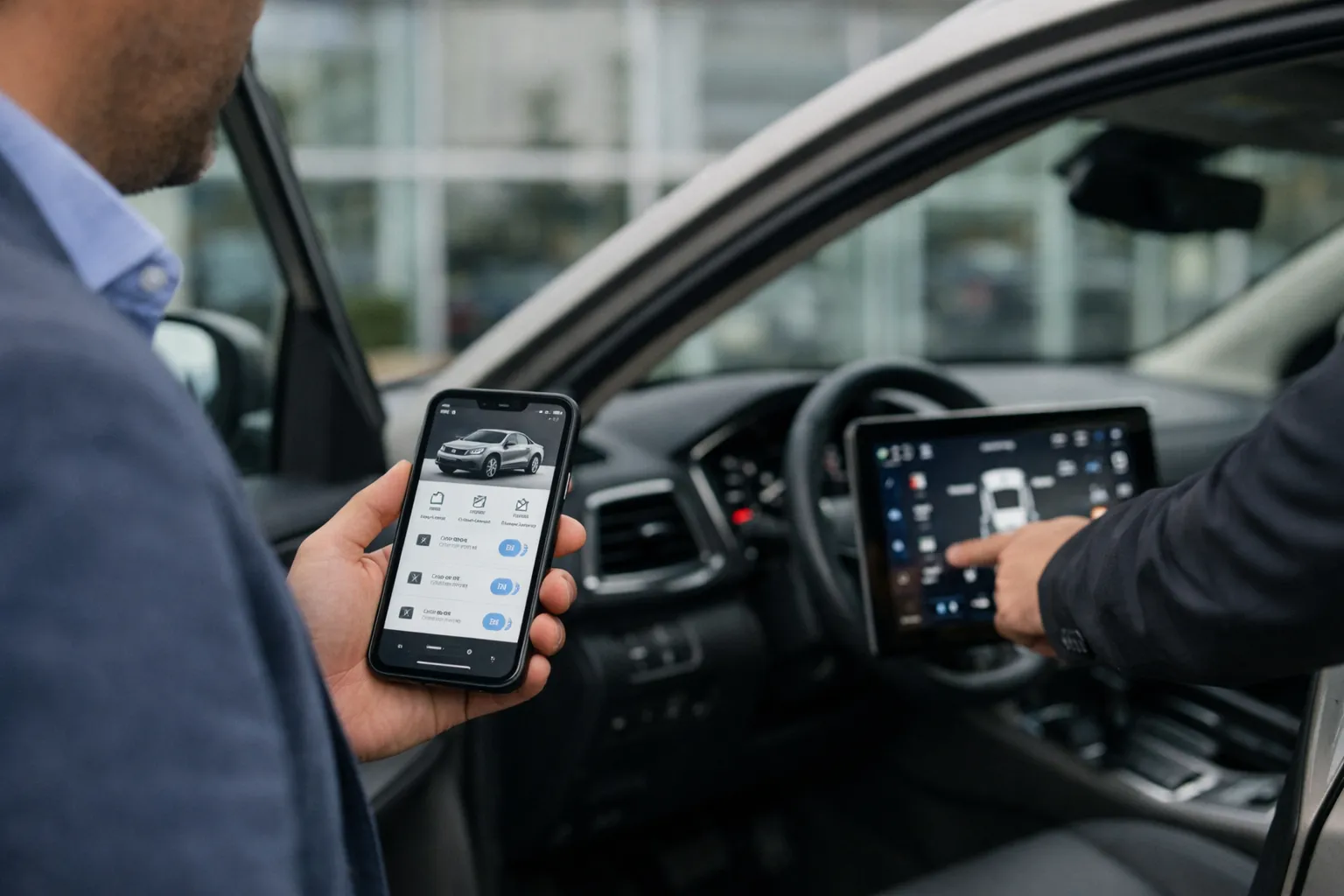
- App and account view: Try to pair your phone and open the OEM app. Does the app show vehicle details and active services, or does it prompt to claim the VIN? If the app displays active packages, record screenshots or a short screen‑recording that shows package names and expiration dates.
- Menus and software versions: Open infotainment system menus: look for a "subscriptions" or "connected services" page and the system software version. Note any "subscription required" or "service limited" messages. Photo or video these screens for your files.
- Digital key and driver profiles: Test digital key creation or guest/temporary keys. Verify whether transfer of digital keys is supported and how the system handles paired phones.
- Demonstrate ADAS safely: In a controlled environment, confirm ADAS features engage and display status (lane‑keep, adaptive cruise, hands‑free notices). If the system shows "software limitation" or "subscription required," document it with photos/video.
- Obtain proof: Request screenshots of the seller’s OEM account showing active packages and expiration dates, or a dealer printout tied to the VIN. Save these in your records.
Step 4 — Confirm transferability and get it in writing
Practices still vary by OEM and by subscription. Use documentation and contract language to protect yourself.
- Get an OEM reference or transfer token on the record: If the seller calls OEM support with you present, record the representative’s name, the case or token number, and any email confirmation. Some OEMs will email a VIN transfer confirmation to both parties — insist on that.
- Insert a clear contract clause: Example clause: “Seller represents that [feature X] with [Y months] remaining will be transferred to buyer on or before [date], or seller will credit buyer $Z equal to documented replacement cost.” Add a deadline and dispute path.
- Escrow or conditional holdback: For private sales, require a modest holdback (e.g., 2–5% of sale price) or escrow until the OEM confirms transfer or refund. For dealer sales, ask for the activation to be completed at signing and documented.
- Refusal to provide documentation: If a seller cannot produce verifiable documentation or a concrete transfer plan, treat the subscriptions as non‑transferable for pricing and negotiation purposes.
Step 5 — Negotiate price and structure the deal (practical math)
Translate subscription status into dollars and contract terms.
- Translate remaining months into value: For transferable subscriptions, use the OEM list price. Example: $18/month nav × 12 months = $216.
- Value complex ADAS: If an ADAS pack is available either as $30/month or a $1,800 one‑time unlock, estimate immediate restoration cost: you might pay for a short subscription while confirming a one‑time unlock is feasible. If seller can’t transfer, demand a credit at least equal to the documented cost to restore comparable functionality (use OEM price as proof).
- Discount for non‑transferable services: If the seller can’t transfer, ask for a credit equal to the cost of re‑subscribing or the one‑time purchase price. Use the OEM price (invoice/screenshot) as the basis for negotiation.
- Neutralize ambiguity: Make the sale conditional on OEM confirmation of transfer or an agreed credit. If a dealer promises to "activate later," get the activation fee, deadline and refund/credit terms in writing.
Step 6 — After purchase: setup, privacy and documentation (must do immediately)
- Claim the VIN in your OEM account: Create or link an OEM account and attempt to claim the vehicle. If you can’t, escalate with the OEM case number you recorded in the contract.
- Remove prior owners and change credentials: Remove any shared accounts, delete paired devices, and change passwords that may be linked to the vehicle (e.g., connected app logins). Request an OEM privacy wipe or factory account reset where available and ask for a confirmation email or certificate.
- Confirm billing and refunds: Verify whether the previous owner received any pro‑rated refund or whether prepaid months transferred. If a refund or credit was part of the sale, confirm it occurred and keep documentation.
- Document everything: Retain emails, screenshots, OEM confirmations, and the OEM case/transfer token number. These documents matter for resale, warranty service, or dispute resolution.
- Monitor for surprise charges: Monitor the payment method you supplied to the OEM for unanticipated charges during the first 60–90 days — occasionally legacy account linkages produce billing errors that require prompt dispute with the OEM.
Common mistakes to avoid (Sept 2026)
- Assuming hardware = feature: Presence of sensors or cameras doesn’t guarantee feature availability without software activation or recent firmware.
- Accepting verbal promises: “We’ll transfer it later” is weak — require a transfer token or contract language.
- Overvaluing dealer trials: Short promotional activations offered by dealers are not the same as an owned, transferable subscription.
- Ignoring privacy cleanup: Leaving prior accounts or digital keys active creates ongoing privacy and security risks.
- Failing to verify marketplace fields: Public listings may show "connected services available" without accurate VIN‑linking; always verify on‑site.
Pro tips — advanced tactics for sharper deals
- Call OEM support yourself: With the VIN in hand, ask for the active service list and the documented transfer process. Request an email confirmation or transfer token to include in your offer.
- Use screen recording: Record seller demonstrations of app screens and vehicle menus (tell them you’re recording). Video is stronger evidence than photos for dynamic menus.
- Ask for an exact dollar credit formula: Require that credits be calculated from OEM list price × remaining months, or an agreed one‑time restoration fee for ADAS — avoid vague "will credit something."
- Leverage marketplace history: If a large retailer lists subscription status, use that listing and its documentation to support your bargaining position.
- Consider third‑party activation services cautiously: Aftermarket unlockers and software resellers exist, but they can void warranties or violate OEM terms — weigh cost vs. legal/risk exposure.
Checklist (print before you go — updated)
- VIN verified and checked for recalls/OTA history
- Email from seller listing active paid features tied to VIN
- Proof of remaining prepaid months (screenshots/invoices)
- OEM transfer token or case number, or written transfer workflow from seller/dealer
- In‑person tests: app view, infotainment subscription menus, digital key test, nav/traffic, Wi‑Fi, ADAS demo
- Contract clause or escrow arrangement addressing non‑transferable services
- Post‑purchase: OEM account setup, password changes, privacy/data wipe confirmation
Why this matters — strategic view for late 2026
Subscriptions now represent both a functional and financial layer of a vehicle’s value. A VIN‑linked, transferable service preserves immediate functionality and resale appeal; an account‑locked service can be a recurring cost or an obstacle to use. With marketplaces improving transparency and OEM tools maturing, the buyer who documents subscription status, insists on verifiable transfer tokens or credits, and completes privacy steps will be best positioned to protect both use and future value.
FAQ
Can an OEM legally refuse to transfer a subscription?
Yes — transfer policy is set by the manufacturer and varies by service. Some features are explicitly account‑tied; others transfer with the vehicle. The practical step is to obtain the OEM policy or a transfer reference from the manufacturer before you finalize the sale so you can negotiate with certainty.
How should I value an ADAS or "hands‑free" package when negotiating?
Start with the OEM’s current price: if the pack is $30/month and 12 months remain, use $360 as a baseline credit. For one‑time unlocks, use the OEM one‑time purchase price. If the seller can’t transfer, demand a credit equal to documented replacement cost; if price evidence isn’t available, require the seller to place funds in escrow pending OEM confirmation.
What if the seller keeps the refund for unused months?
Require written proof of refund policy up front and include in the contract that if the seller keeps a refund, they must provide an equivalent cash credit. Alternatively, make transferability a condition of sale and hold back funds until the OEM confirms transfer or refund to the buyer.
Is it safe to use third‑party unlock services advertised online?
Exercise caution. Some third‑party services can restore functionality, but they may void warranties, violate OEM terms, or present security risks. Use them only after understanding the legal and warranty implications and preferably only for non‑safety‑critical features.
If I buy from a dealer and they charge an activation fee after sale, is that reasonable?
It depends. Ask for the activation fee in writing and compare it to the OEM subscription price. If the dealer’s fee substantially exceeds OEM costs, negotiate or decline. Require a written deadline for activation and a refund or credit if the dealer fails to complete the process.