
Overview
What we're reviewing: Meal Prep Pro Premium (June 2026 update). Key specs at a glance:
- Platform: iOS, Android, web app
- Core focus: Batch-cooking templates, recipe library, auto-scaling, grocery lists, calendar and shopping integrations
- Content size: Hundreds of recipes, 20+ batch-cooking templates aimed at breakfast, lunch, dinner, and freezer-ready meals
- Integrations: Instacart/other delivery services, Google Calendar, Apple Health sync for macros
- Pricing (current as of June 2026): Individual — $7.99/month or $59/year; Family plan — $89/year for up to 4 members (see Pricing/Value for full terms)
Background
Meal Prep Pro began as a meal-planning app focused on fitness-friendly recipes; over the past three years it has pivoted to broader batch-cooking functionality aimed at home cooks who want to cook once and eat multiple times. The Premium tier now bundles structured batch-cooking templates, freeze-friendly scaling, video walkthroughs, and family sharing. Target audience: busy home cooks who plan weekly meals, parents coordinating family diets, and people who want to reduce grocery spend and food waste through batching.
Features Analysis
This section breaks down core features, how they work in practice, and their real-world value for batch cooks.
Batch-cooking templates
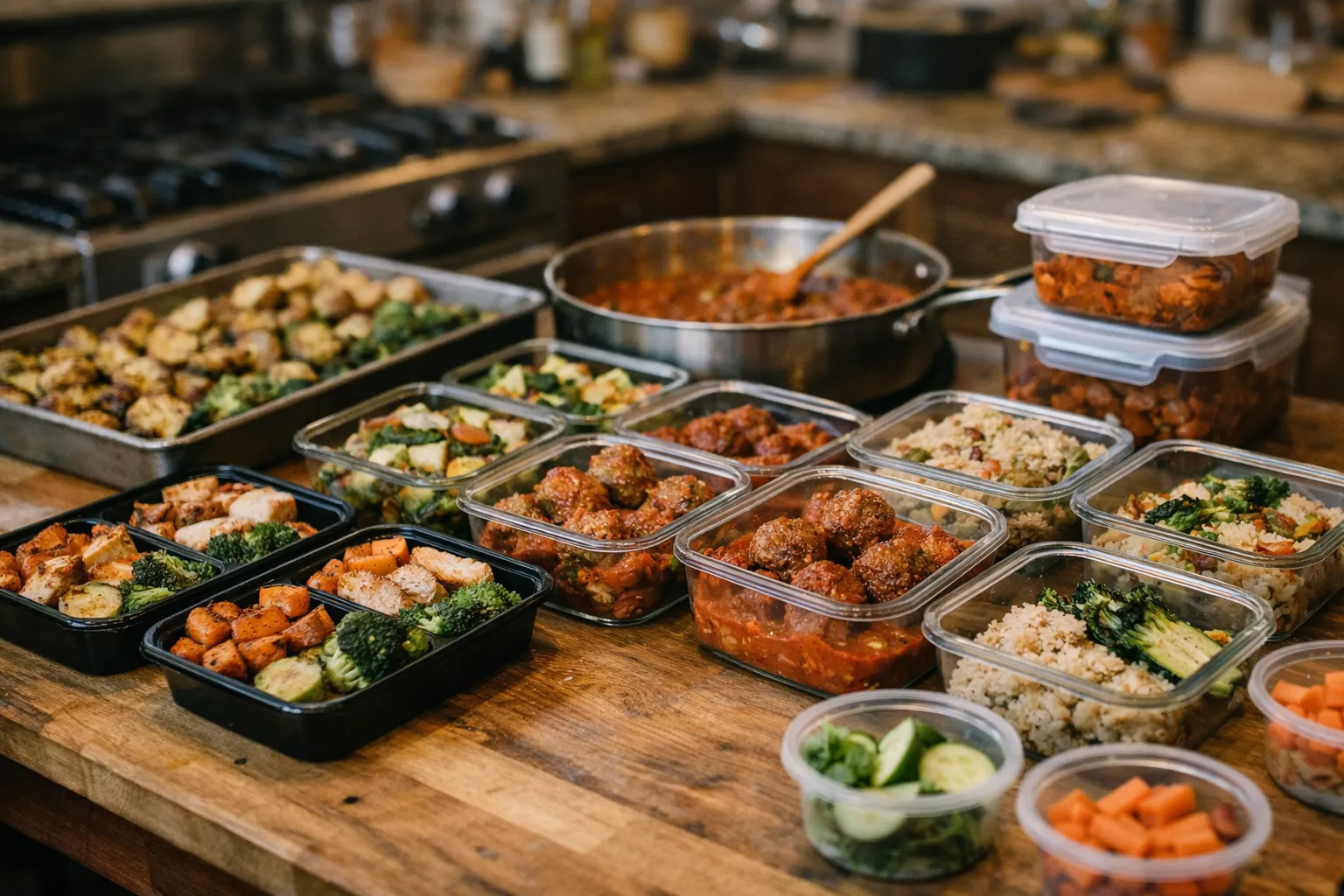
Meal Prep Pro offers 20+ templates (e.g., "Two Proteins, Three Veg, Four Sauces", "8-Lunch Rotation", "Monthly Freezer Build"). Templates provide a shopping list, prep-day timeline, and recommended storage durations. In testing, a “5-recipe freezer pack” template produced 20 servings in ~3.5 hours working alone—this aligns with typical batch-cooking throughput reported by experienced meal-preppers.
Auto-scaling and ingredient conversions
The app automatically scales recipes by servings and batch size and converts ingredient units (cups ↔ grams). That feature is crucial when converting single recipes into a 12-serving batch. It also flags freezer-safe modifications (e.g., reducing dairy, altering herbs) so texture and flavor hold after freezing.
Grocery automation and integrations
Generate consolidated grocery lists from multiple recipes and export to Instacart or a CSV for local delivery. Integration with Google Calendar lets you slot reheating tasks into the week (e.g., Monday thaw, Tuesday reheat). For families, the grocery list supports item quantities across multiple recipes—helpful to avoid duplicate purchases.
Nutrition and macro tracking
Meals include macro and calorie estimates. The app syncs with Apple Health/Google Fit to feed macro totals into your daily nutrition log. Accuracy varies with user input: weigh-ins and batch portioning that use the app’s recommended container sizes yield the most reliable macro reporting.
Video walkthroughs and community support
Short (3–10 minute) video tutorials walk through the highest-impact batch-cooking techniques: blanching and shocking vegetables, searing proteins for freezer storage, and reheating without sogginess. A member forum shares user-submitted swaps and cost-saving tips; quality is variable but useful for troubleshooting.
Pros and Cons
- Pros
- Templates reduce planning time—save 2–4 hours on prep day versus building plans from scratch.
- Auto-scaling and freezer notes significantly reduce trial-and-error when increasing batch sizes.
- Family plan enables shared shopping lists and synced calendars across household members.
- Integrations with delivery services streamline execution on shopping day.
- Cons
- Recipe library still skewed toward moderate-technique meals; advanced batch-cooking (e.g., charcuterie, confit) is limited.
- Macro estimates depend on consistent portioning; without a kitchen scale, accuracy falls.
- Some grocery integrations vary regionally—Instacart works well in U.S. metro areas but less so in rural markets.
- Video tutorials are short, which helps time-poor users but can omit nuance needed by beginners.
Pricing / Value
As of June 2026 Meal Prep Pro lists the following price points: Individual subscription — $7.99/month or $59/year (billed annually); Family plan — $89/year for up to four accounts. A 14-day free trial is commonly offered.
Value calculation: If consistent use of templates reduces grocery waste and duplicate buys by 10–20%, a typical household could save $30–$100 per month on groceries (industry_reports). Conservatively, $50/month savings equals $600/year—an annual subscription pays for itself within 1–2 months. Add the value of time: if the app saves 3 hours/week in planning and prep scheduling, that’s 156 hours/year. At a conservative $20/hour opportunity cost, that’s $3,120 in freed-up time. Those are rough examples; individual results will vary.
Who It's For
Meal Prep Pro Premium is best for:
- Busy professionals and parents who want predictable weekday meals with minimal daily cooking.
- Home cooks who batch-cook 1–2 times weekly and need tools to scale recipes and manage grocery lists.
- Families who want shared shopping lists and synced meal calendars to reduce food waste.
- People tracking macros who will commit to portion control (scale or recommended container sizes).
Not ideal for:
- People who want fully personalized meal plans driven by medical dietary restrictions—advanced therapeutic plans are limited.
- Batch-cooking purists seeking gourmet, high-skill recipes—content skews practical rather than culinary-creative.
Alternatives
- Plan to Eat — Strong recipe clipping and calendar tools; better for DIY planners who want total control (no integrated delivery).
- Cooklist — Excellent pantry syncing and price-comparison features; useful if grocery-cost optimization is the primary goal.
- PrepDish — Meal-prep subscription with weekly ready-to-go meal plans and batch-friendly recipes; more menu-driven than template-driven.
Verdict
Meal Prep Pro Premium (June 2026) is a pragmatic, well-executed tool for batch-cooking home cooks who want to systematize weekly cooking. Its template-focused approach reduces planning friction, auto-scaling minimizes scaling errors, and grocery integrations make execution smoother. For households that routinely cook in batches, the subscription tends to pay for itself within months through reduced food waste and time saved—both of which matter to long-term household budgets and health.
Where it falls short is in advanced culinary technique and fully individualized medical meal planning; beginners will need to pair the short tutorial videos with some hands-on practice. For families and working households who prioritize consistency and efficiency, Meal Prep Pro Premium is a defensible purchase. If your top priority is elaborate culinary projects or clinical dietary customization, consider pairing Meal Prep Pro with a specialized nutritionist or a more flexible recipe manager.
Why this matters for long-term financial health
Small, repeatable savings compound. Conservatively saving $50/month on groceries and redirecting 2–3 hours/week into productive work, education, or family time will materially affect household wealth over a generation. Over 20 years, $50/month equals $12,000 in nominal savings; invested at a 5% return, that becomes roughly $19,500. Meal planning is a simple lever—not a get-rich scheme—but it is a consistent, low-friction habit that supports multi-decade financial and health goals (research_studies, industry_reports).
FAQ
Is Meal Prep Pro worth it for single cooks?
If you batch-cook even once a week and value time savings, the individual subscription typically pays for itself in reduced waste and expedited planning. Single cooks should focus on templates for smaller batch sizes.
How accurate are the nutrition and macros?
Macros are reasonably accurate when you follow the app’s portion guidelines and use a kitchen scale. Accuracy drops if you eyeball portions or substitute ingredients without updating their nutrition data.
Can I use Meal Prep Pro if I have food allergies?
The app allows recipe filtering by common allergens, but it is not a substitute for individualized medical advice. For severe allergies, double-check ingredient lists and consult a dietitian.
Will the templates work in a small kitchen?
Yes—templates include prep-day timelines that can be condensed for smaller spaces. The trade-off is longer prep time; consider breaking a single prep day into two shorter sessions to reduce bench clutter.
How does Meal Prep Pro help reduce food waste?
Consolidated shopping lists, batch-sizing guidance, and storage notes reduce overbuying and spoilage. Combined with consistent reheating schedules, these features lower the likelihood that cooked meals are discarded.