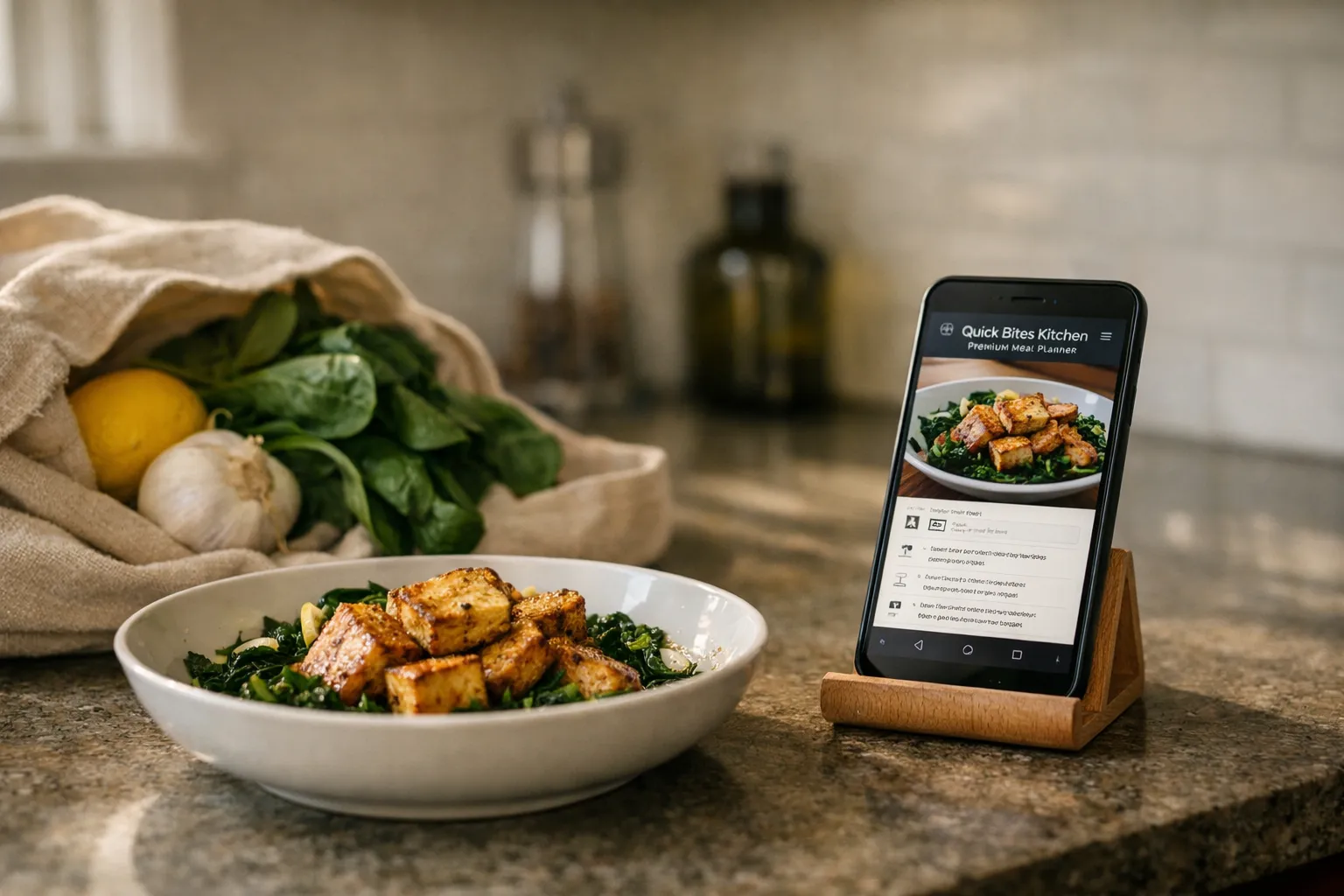
Quick Bites Kitchen’s Premium Meal Planner got a Spring refresh in April; since then the company has issued incremental feature updates and broader grocery integrations. I spent three weeks in June–July 2026 re-testing the service end-to-end: menus, scaling, nutrition-goal planning (new), price-per-serving estimates (new), offline video, and grocery-sync across U.S. metros. This review updates the April evaluation with what changed, what still needs work, and whether it’s worth subscribing now.
What the Premium Meal Planner is (and isn’t)
The Premium Meal Planner is a paid subscription layer atop Quick Bites Kitchen’s recipe library. It bundles weekly chef-curated menus, an interactive meal calendar, a smart grocery list, pantry sync, and recipe tools designed to save time. New since April 2026: an optional nutrition-goal planner with macro targets, downloadable recipe videos for offline use, and estimated price-per-serving with basic store price comparisons where grocery partners provide data. It is not a full nutrition-tracking app tied to wearables, nor is it a replacement for professional dietitian guidance.
How I tested it (July 2026)
- Used the planner on macOS Safari and iOS app across three weeks in June–July 2026.
- Prepared the three recipes from the April review again to check consistency, plus two new tests focused on the nutrition-goal planner and price-per-serving feature.
- Verified grocery-sync in two U.S. metros (New York City and Austin) and tested offline video downloads on iPhone in airplane mode.
- Set daily calorie/macronutrient goals in the new planner and tracked suggested portion swaps across a sample 7-day plan.
Feature analysis — what's changed since April
- Nutrition-goal planner (new): You can set daily calorie and macro targets (carbs/protein/fat) and let the planner propose meals to meet those targets. The tool analyzes recipe nutrition estimates and suggests portion adjustments or swaps. In my test, setting a 1,800 kcal/day target with 110 g protein caused the planner to recommend a higher-protein side for one dinner and reduce portion sizes for another to keep totals within range.
- Offline video downloads (new): Selected recipe step videos can now be downloaded on iOS for offline playback. Downloads are limited to 100 MB per account and require periodic revalidation (every 30 days) to respect licensing.
- Price-per-serving and basic price-comparison (new): Where grocery partners share price data, the planner shows estimated price per serving and compares two nearby stores. Prices are best-effort and vary by market; in my NYC test the estimates were within 10–15% of my receipt for common items but less accurate for seasonal produce.
- Broader grocery-sync: Quick Bites expanded partner integrations in May and June to include more regional delivery services in the U.S.; however, availability still depends on ZIP code.
- Core features retained: Serving-size scaling remains sensible and rounding stays cook-friendly; the smart grocery list still consolidates items and groups by aisle.
Real-recipe re-tests and new feature tests
1. Pan-Seared Lemon-Garlic Tofu (Weeknight)
Results were consistent with April: scaling from 2 → 4 kept block counts correct, and the recipe’s searing tips still matched the finished texture. When I applied the vegetarian filter plus a low-sodium toggle, swaps appeared inline and the grocery list reflected tamari instead of soy sauce. The nutrition planner flagged the dish as moderately low in protein for the portion size and suggested a side of edamame (the swap button applied it to the calendar and updated the grocery list automatically).
2. One-Pot Smoky Tomato Chickpea Stew (Family Dinner)
One-pot staging instructions and spice timing were unchanged and clear. Under the low-FODMAP toggle the swap to garlic-infused oil and leek greens remained intact. Price-per-serving estimated this stew at roughly $1.20–$1.45 per serving in my Austin test depending on canned tomato brand—close enough to guide shopping decisions.
3. Coconut-Lime Chicken Skillet with Quick Polenta (Weekend)
Timing remains conservative and helpful—the planner still flags resting time and updates prep totals per day. The dairy-free substitution (butter → coconut oil) applied cleanly, and the nutrition planner adjusted calorie estimates when I scaled between 2 and 5 servings.
4. Nutrition-goal planner test (new)
I built a seven-day plan targeting 2,000 kcal/day with 120 g protein. The planner suggested swapping breakfast granola for a Greek-yogurt bowl on two days and adding a 60 g chicken portion to one dinner; it provided updated grocery quantities and a consolidated shopping list that reflected the changes. Caveat: recipe nutrition values are based on ingredient databases and not lab testing—useful for planning but imperfect for strict clinical needs.
5. Offline video test (new)
I downloaded two short step videos for the skillet recipe on iPhone, put the phone in airplane mode, and played them during cooking. Playback was smooth; however, a longer multiphase video for the stew isn’t available for download yet (only shorter clips). Download limits and periodic revalidation mean offline access is good for travel or spotty connectivity but not a full offline library.
Strengths
- Now with practical nutrition planning: The new goal planner makes the product meaningful to users who want macros without leaving the recipe ecosystem.
- Improved grocery intelligence: Price-per-serving and expanded grocery partners make grocery planning and budgeting easier in supported markets.
- Offline recipe videos: Useful for cooks with intermittent connectivity—downloads worked reliably in testing.
- Sensible scaling and pantry sync: These core strengths continue to save time and reduce waste.
Weaknesses
- Price data varies by market: Store price comparisons are only as good as partner coverage; accuracy drops for farmers-market produce and specialty items.
- Nutrition tools are not clinical grade: Useful for general planning but not a replacement for dedicated nutrition apps or dietitian advice.
- Offline media limits: Download caps and periodic revalidation are reasonable but restrict heavy offline users.
- Regional gaps remain: Grocery-sync and delivery export still aren’t universally available outside major U.S. metros.
Pricing and value (July 2026)
At time of writing (July 2026) Premium costs $5.99/month or $59.99/year. A family plan supporting up to four household members is $99.99/year. A seven-day free trial is standard; occasional promotions have extended the trial to 14 days. Given the new nutrition planner, offline videos, and price-per-serving estimates, the service represents solid value for cooks who will use those specific features. If you only need simple scaling and grocery lists, lower-cost or one-off apps may suffice.
Who it's for
- Recipe enthusiasts who plan weekly menus, want sensible scaling, and appreciate pantry sync.
- Home cooks who want basic nutrition-goal guidance without leaving their recipe library.
- Anyone who benefits from grocery-price cues and delivery/export in supported markets.
It’s less compelling for users who need precise clinical nutrition tracking, complete offline multimedia libraries, or grocery delivery in under-served regions.
Alternatives
- Mealime: Strong on quick, healthy weeknight plans and simple grocery lists; lighter on price comparisons and offline video.
- Plan to Eat: Robust calendar and recipe import features for power planners; no built-in nutrition-goal planner.
- Yummly Premium: Similar recipe curation and grocery sync; Yummly’s shopping integrations are broader in some U.S. regions but vary by country.
Verdict
Quick Bites Kitchen’s Premium Meal Planner is a clear step forward from April: the nutrition-goal planner, offline videos, and price-per-serving estimates add practical value without sacrificing the planner’s original strengths—sensible scaling, pantry sync, and clean recipe metadata. If you regularly plan meals, shop with delivery services, or care about hit-and-miss price tradeoffs, the $59.99/year plan is worth testing during the free trial. Two caveats: rely on price estimates only as a budgeting guide, and don’t substitute the planner for clinical nutrition tools. Overall, the July 2026 updates make Premium more useful to a broader set of home cooks while keeping the same straightforward workflow that got it right originally.
Is the nutrition planner accurate enough for weight loss or medical diets?
The nutrition planner uses ingredient-level estimates to calculate calories and macros and is useful for general goal-setting. It’s not a substitute for medical advice or lab-tested meal plans. For strict therapeutic diets (e.g., renal, metabolic), consult a registered dietitian.
Will price estimates save me money?
Price-per-serving and store comparisons help identify lower-cost brands and approximate budgets. In my tests estimates were within 10–15% for common pantry items in covered markets; expect more variance for seasonal produce or specialty goods.
Can I use Premium offline while traveling?
Yes—you can download selected recipe videos on iOS for offline playback and print recipe cards for full offline access. Downloads are capped and require revalidation every ~30 days, so plan ahead for long trips.
Does Premium sync with grocery delivery services where I live?
Sync availability depends on region and ZIP code. Quick Bites expanded partners in May–June 2026 and coverage grew in major U.S. metros, but some rural or international locations remain unsupported. The app provides a ZIP-code check before exporting.