Software-controlled features—navigation, advanced driver assists, premium displays, heated seats turned on by code—are now common in new cars. Many manufacturers sell those capabilities as one‑time purchases or recurring subscriptions. For car‑buying enthusiasts in 2026, those paywalled features create real decisions: pay monthly to enable a function, pay once for permanent activation, or buy a vehicle that already has a license attached. This guide walks you, step by step, through evaluating, verifying and negotiating cars with software-locked features so you don't overpay or end up trapped with a crippled vehicle.
How these paywalled features work — a quick primer
Manufacturers use three basic models for feature control:
- VIN‑tied licenses — the capability is registered to the vehicle’s VIN and remains with the car when ownership changes.
- Account‑tied licenses — the feature is activated for a manufacturer account (the registered owner), and may or may not transfer automatically when a car changes hands.
- Subscription access — continual payment is required; stopping payment disables the feature.
Which model a maker uses matters for pricing, resale and negotiation. Policies vary by brand and by specific feature, so treat each feature as a separate product to evaluate.
Step 1 — Decide which paywalled features matter to you
Before you shop, list must‑have and nice‑to‑have functions. Common paywalled features in 2026 include:
- Advanced driver assists (hands‑on lane keeping, lane change assist)
- Adaptive cruise extensions and highway pilot modes
- Premium navigation & live services (traffic, satellite maps)
- Climate or comfort activations (heated/cooled seats, steering wheel)
- Performance or unlockable drive modes
- In‑car entertainment apps and premium audio DSPs
Rank each item by how important it is to your daily driving and whether an aftermarket solution exists (for example, heated seats can sometimes be retrofitted; highway autopilot cannot).
Step 2 — Research manufacturer policies before you shop
Manufacturer policies differ. Your prep work should include:
- Search the brand’s owner support and FAQ pages for "feature activation", "transfer", and "subscription".
- Check owner forums and enthusiast groups—users regularly report whether a feature transfers with VIN or remains with the account.
- Call or email the manufacturer’s customer support and ask, explicitly, whether a given feature is VIN‑tied, requires account transfer, or cannot be transferred at all.
Tip: write down the support agent’s name, date and the answer. That record can be useful if a dealership or seller later contradicts the published policy.
Step 3 — Narrow your search: prioritize cars with permanent activations
If a feature is important to you, prefer cars where that feature is permanently activated and attached to the VIN. That removes subscription uncertainty and simplifies resale. When comparing vehicles, include the status of paywalled features in your decision matrix—two cars with similar mileage and trim can have very different values if one includes permanent activations.
Step 4 — Verify feature status in person
On the test drive or inspection day, confirm the feature works and that activation is permanent or transferable:
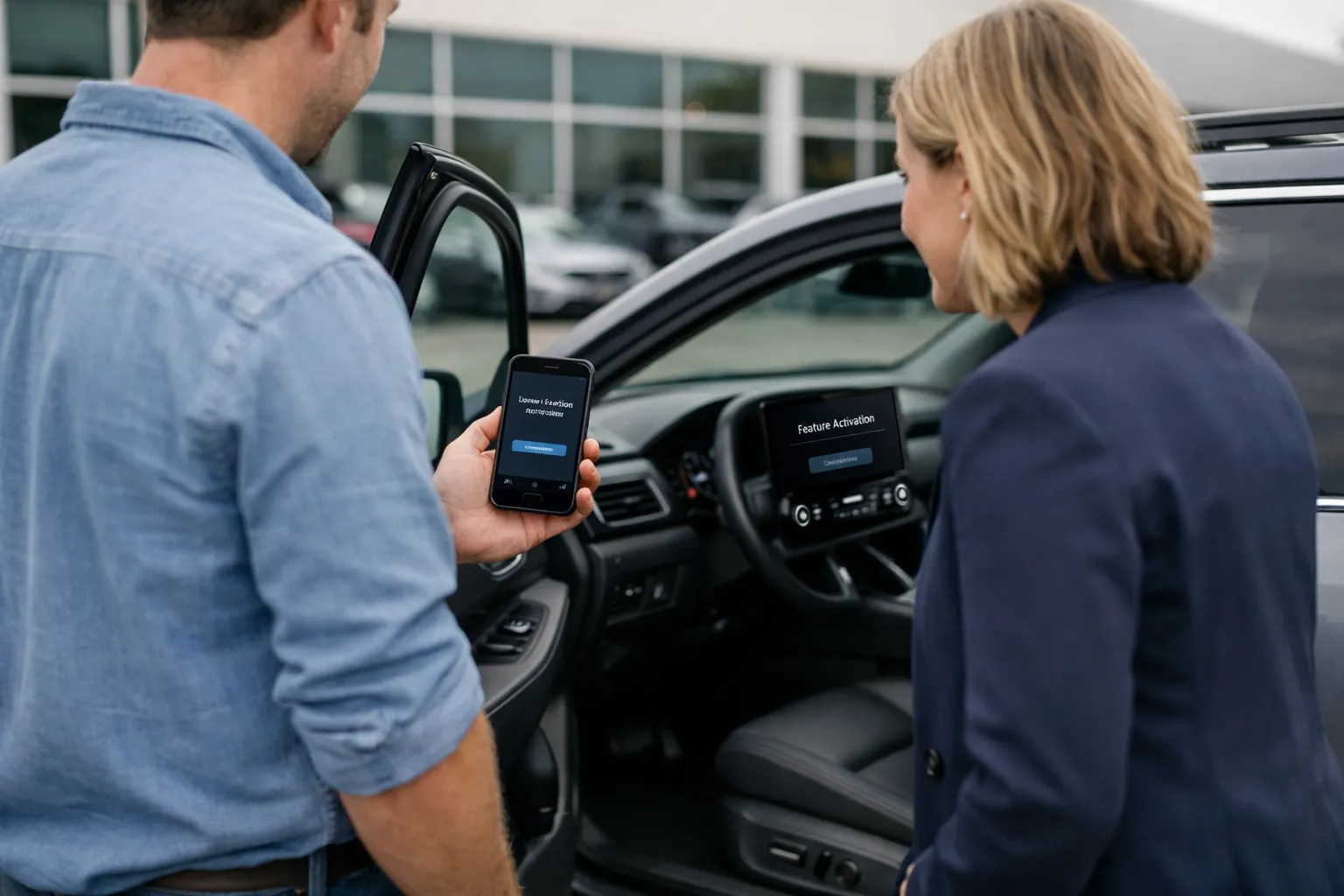
- Ask the seller or dealer to demonstrate the feature operating in the vehicle while you watch. For subscription features, ask them to show billing status or activation details in the vehicle’s settings menu.
- Locate the feature information screen in the infotainment system. Screenshot or photograph it, or record a short video showing the VIN, activation message and any license expiry date.
- For account‑tied features, request that the seller log into the OEM app and begin the transfer process in your presence, or supply written confirmation from the manufacturer that the feature may be transferred.
Do not rely on a dealer’s verbal assurance. If the activation is only through an account, get written proof and a guaranteed timeline for transfer before you sign.
Step 5 — Negotiate using the feature’s activation model
Use the activation status as a bargaining chip:
- If a vehicle lacks a key feature you want, ask the seller to activate it before sale or discount the price by the OEM’s retail activation cost (if you can confirm that cost).
- If the feature is subscription‑only, calculate 12‑ and 36‑month subscription costs and ask for a discount equal to the subscription expense you’ll incur over your expected ownership period.
- If transfer requires an owner account and the seller won't help, insist on a price reduction or refuse the sale—account transfers are sometimes impossible or time‑consuming and can make a car effectively crippled.
Step 6 — Document transfers and get written guarantees
Whether buying from a dealer or private party, secure paperwork:
- Dealers: Add an explicit clause in the purchase contract that lists the paywalled features, their current activation status, and the dealer’s obligation to have any account‑tied functions transferred or permanently activated by a specific date.
- Private sellers: Include in the bill of sale a statement that the seller will transfer any manufacturer account access and will provide a signed letter of authorization for the OEM to perform the transfer.
- For subscriptions: obtain written confirmation of remaining prepaid subscription time (if any) and a refund or credit policy if the subscription does not transfer.
Step 7 — After the sale: immediately confirm and preserve access
Right after purchase:
- Create or activate the manufacturer account you’ll use to manage the car. Link the VIN and make sure the seller’s account is removed.
- Request written confirmation from the OEM that the VIN now lists you as the owner. Keep screenshots of activation pages and any email confirmations.
- If a dealer promised activation but hasn’t delivered, escalate with the manufacturer using the documentation you collected at purchase.
Practical examples and negotiation scenarios
Example 1: Dealer lists a luxury compact with heated seats locked behind a software activation. The dealer quotes a permanent activation price of $499. You prefer a price reduction instead. Strategy: ask for a $499 reduction or have the dealer include permanent activation in the sale contract.
Example 2: A used EV advertises advanced highway pilot but the feature is subscription‑based and tied to the seller’s account. At test drive you see it works but the seller refuses transfer. Solution: either get a contractual credit for estimated subscription costs for your ownership period, or walk away—paying for a subscription you didn't get to evaluate is risky.
When permanent activation isn’t possible: alternatives
If the OEM won’t transfer a feature, consider these options:
- Negotiate a larger discount and treat the car as if missing that option.
- Look for aftermarket hardware or retrofit solutions—but research cost, compatibility and safety implications carefully.
- Wait and watch—some manufacturers change policies, and secondhand market pressure can lead to improved transfer policies over time.
Red flags to avoid
- Seller refuses to demonstrate a paid feature during the test drive.
- Activation requires an account you cannot control or that the seller refuses to transfer.
- Dealer gives only verbal reassurances about transferability without including it in writing.
- Ambiguous or missing documentation about pre‑paid subscriptions or remaining trial periods.
Bottom line: treat software features like physical options
Software‑locked features are effectively options you can buy or lease. Treat them with the same scrutiny as leather seats or a sunroof: research their cost, verify their operability and demand contractual protections when you purchase. In 2026, more cars will ship with paywalled functions; informed buyers who verify activation status and negotiate appropriately will avoid surprises, protect resale value and keep monthly ownership costs under control.
Checklist for purchase day (printable):
- List of paywalled features you require
- Copy of manufacturer policy (screenshot or support reply)
- Seller/dealer demonstration videos/screenshots showing VIN and activation
- Written contract clause guaranteeing transfer or activation (with deadline)
- Post‑sale plan: manufacturer account created and VIN linked
Follow these steps, and the next time you’re buying a car with modern software features, you’ll be able to distinguish genuine value from a subscription trap—and negotiate a deal that matches the car you expect to own.